RoboNance
A downloadable game for Windows, macOS, and Linux
What is RoboNance?
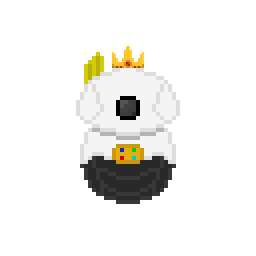
Robonance is a video game in which we control MR-11, a maintenance robot in charge of fixing factory machines. During his time at the factories, the machines began to fail, and MR-11 must overcome serious challenges to fix them. Ultimately, the total number of machines determines the player's game, as they must fix all of them once and reach their spawn to complete the level.
The game was created as a result of a university project. The in-game instructions are in Spanish, but we'll leave them in English here for anyone who wants to try our game.

List of Controls:
| KEY W | UPWARD MOVEMENT. |
| KEY A | MOVEMENT TO THE LEFT. |
| KEY S | DOWNWARD MOVEMENT. |
| KEY D | MOVEMENT TO THE RIGHT. |
| KEY E | INTERACTION WITH ALL INTERACTING OBJECTS AND PROPS. |
| KEYS J, K, L | QTE MACHINE. |
| KEY SPACE | BAR MACHINE WITH AREA AND KEY SPAM MACHINE. |
| LEFT CLICK | ALL INTERACTIONABLE MENUS, MEMOTEST MACHINE AND ANNOUNCEMENT MACHINE. |
More information about the gameplay:
Robonance starts in the lobby after a brief introduction to the game's story. After the animation, the lobby contains the entrance to the game's five levels, various objects and props within the levels, and finally, the skin change area.
The objective is to fix the total number of machines per level (e.g., 0/5, 0/6). Each machine will be inaccessible at first because you must interact with buttons, objects, and mobility rules that protect each of the machine's spots.
If you lose, you can return to the lobby and continue playing with your saved progress, as well as restart the level. Your Lose Condition occurs if the level timer reaches 0 and you don't fix the machines in time or reach the spawn point once you've fixed them all.
If you win/pass the level, the next level will be unlocked in the lobby.

Download
Install instructions
To download Robonance, simply download the zip file included in this forum. Once downloaded, extract it, open the extracted folder, and click on the "My Project" file to start the game.
Leave a comment
Log in with itch.io to leave a comment.